



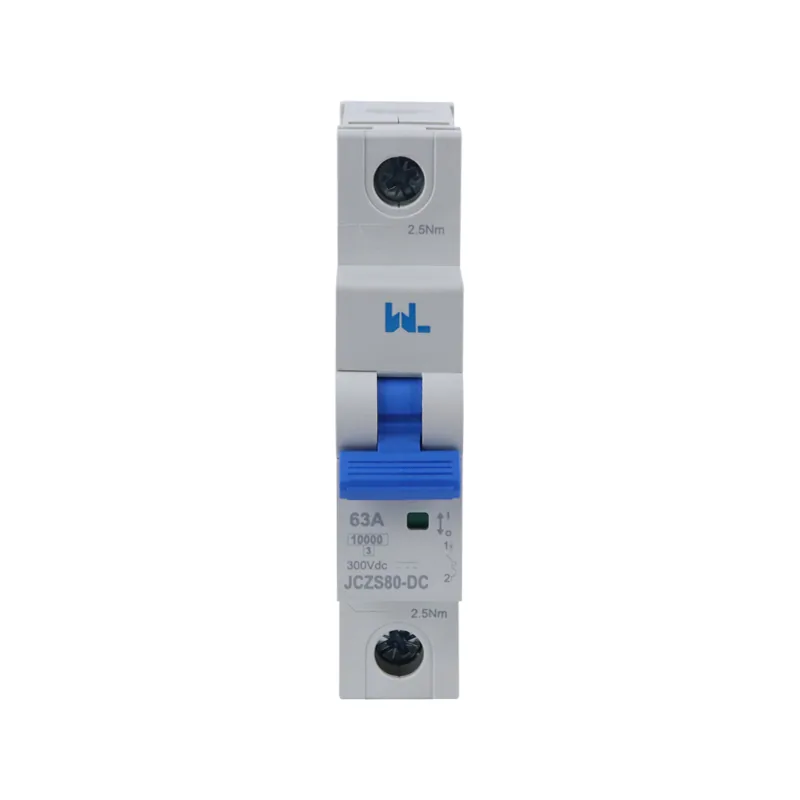
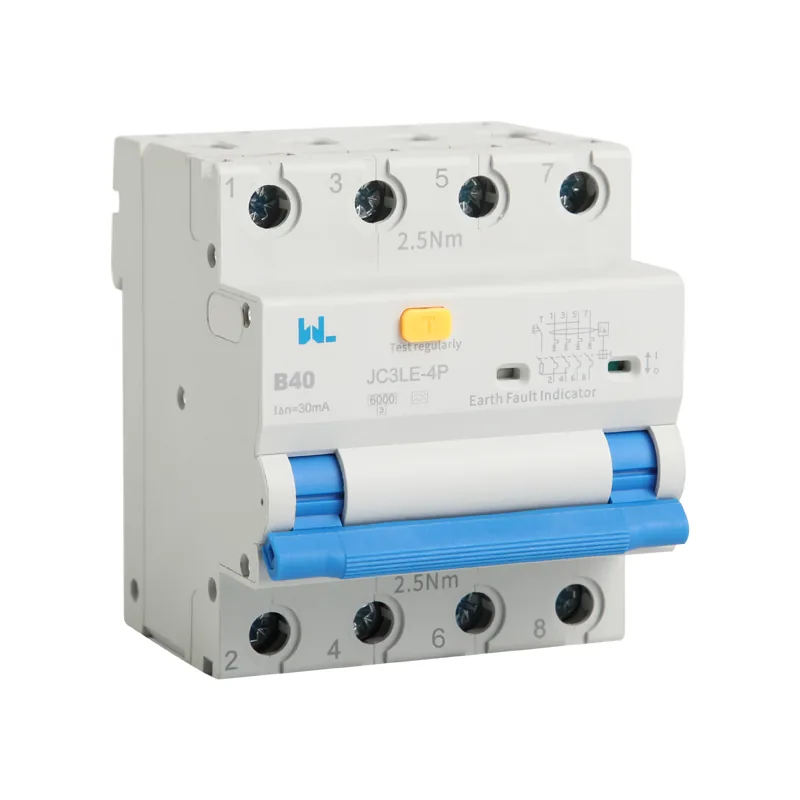
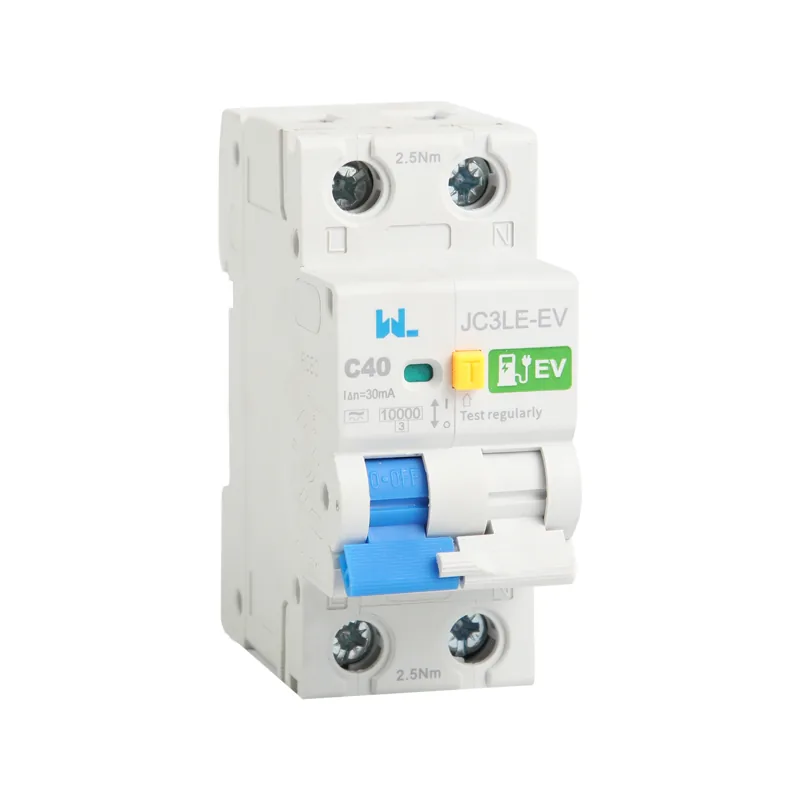
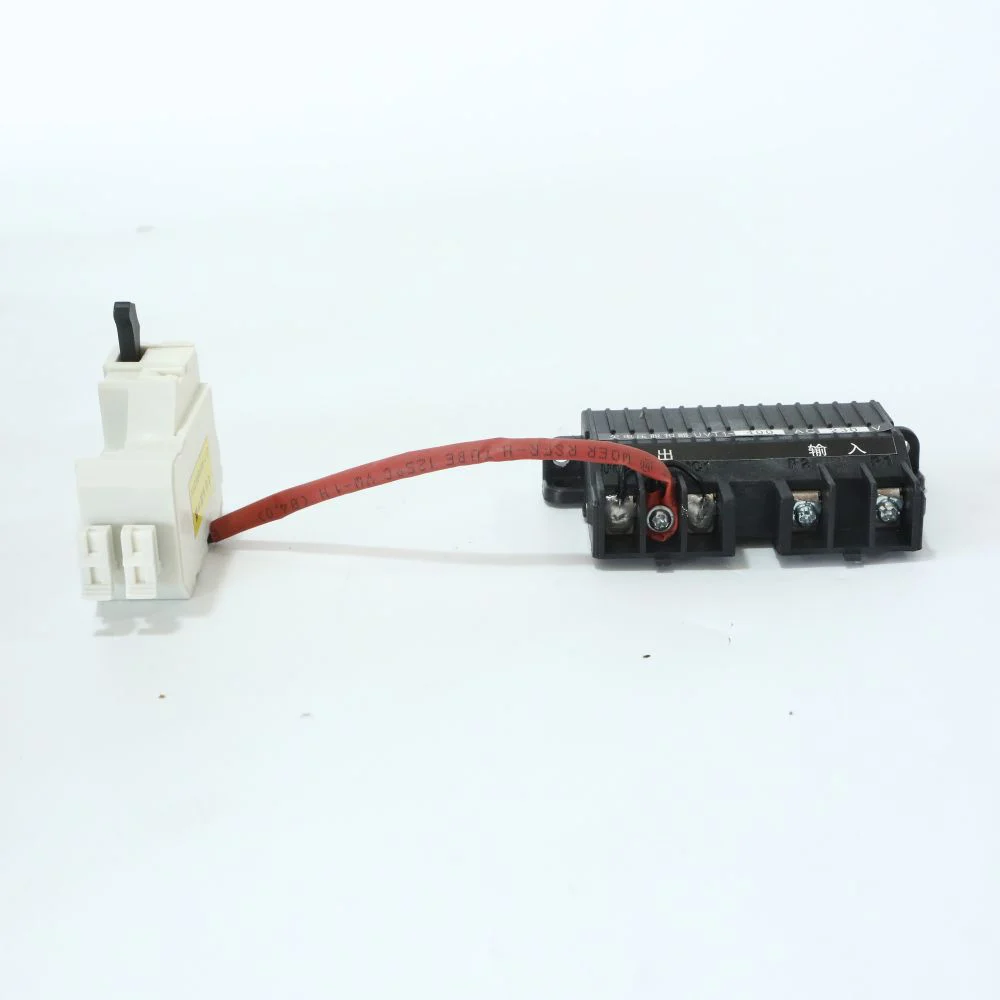
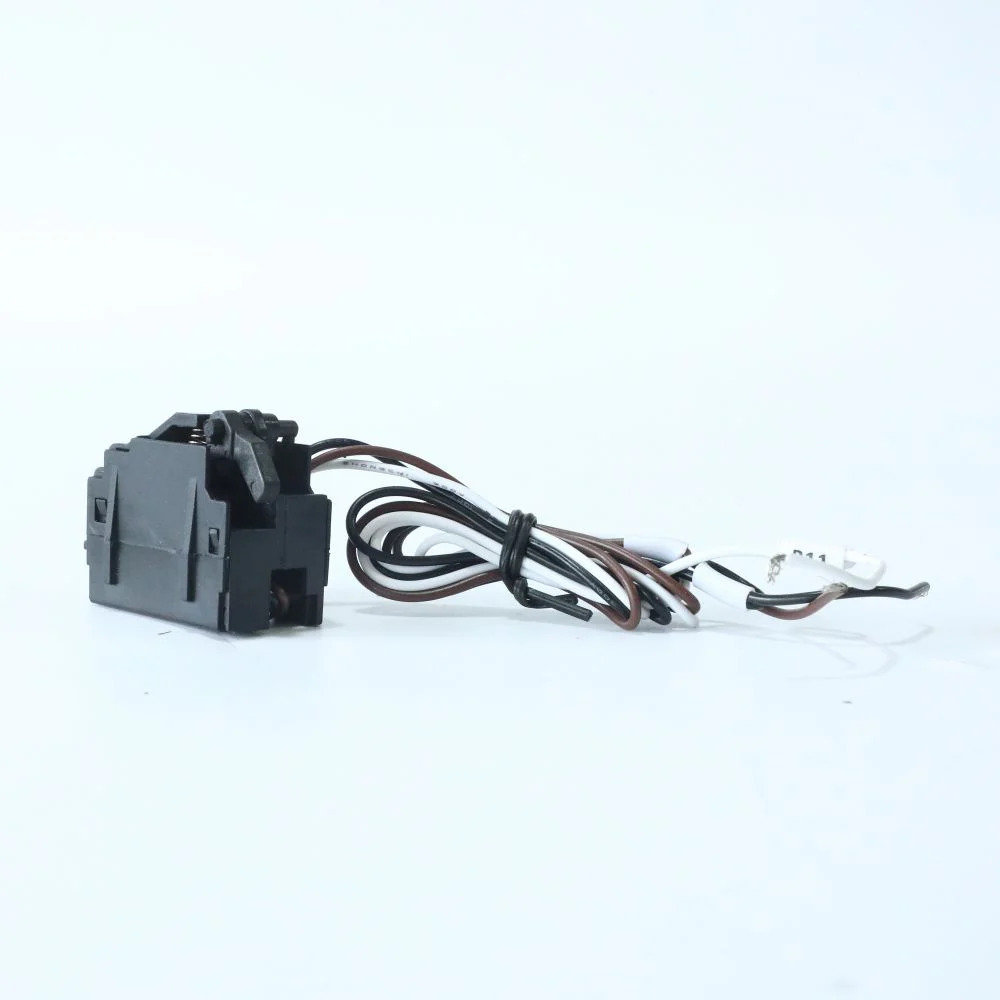
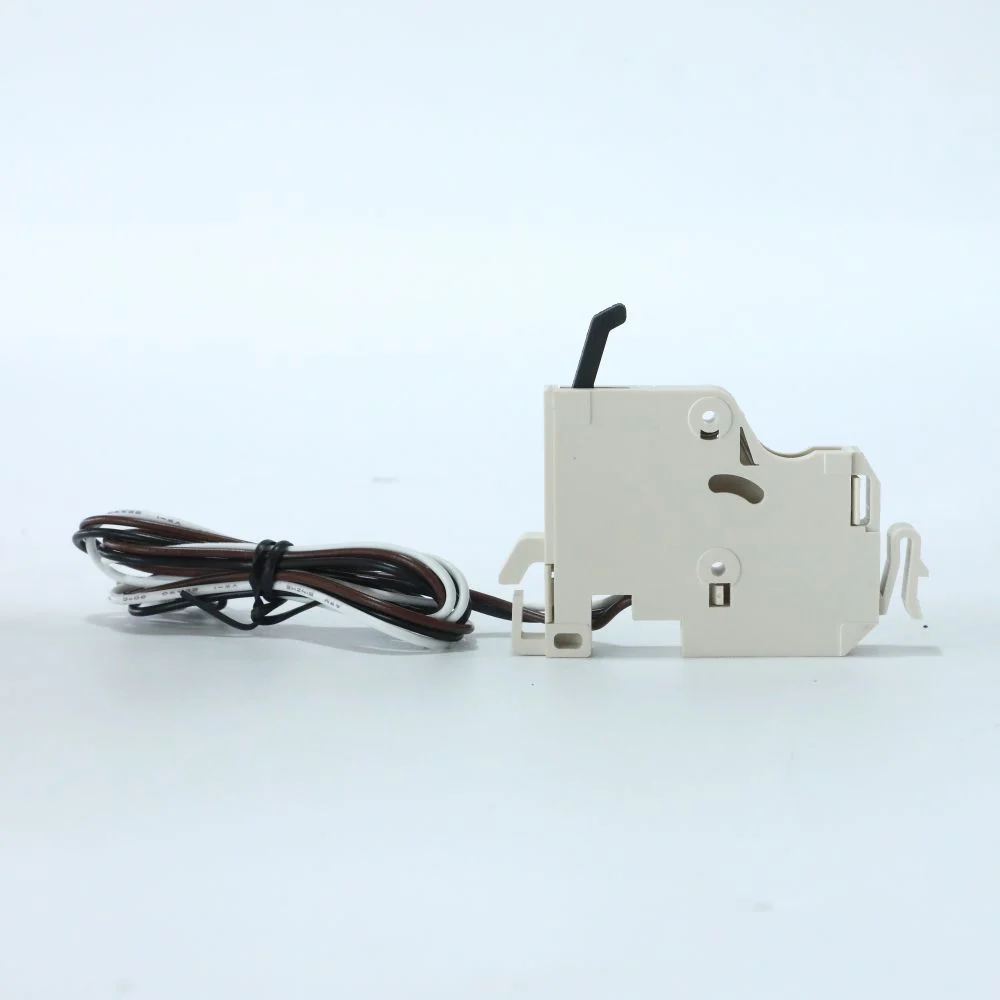
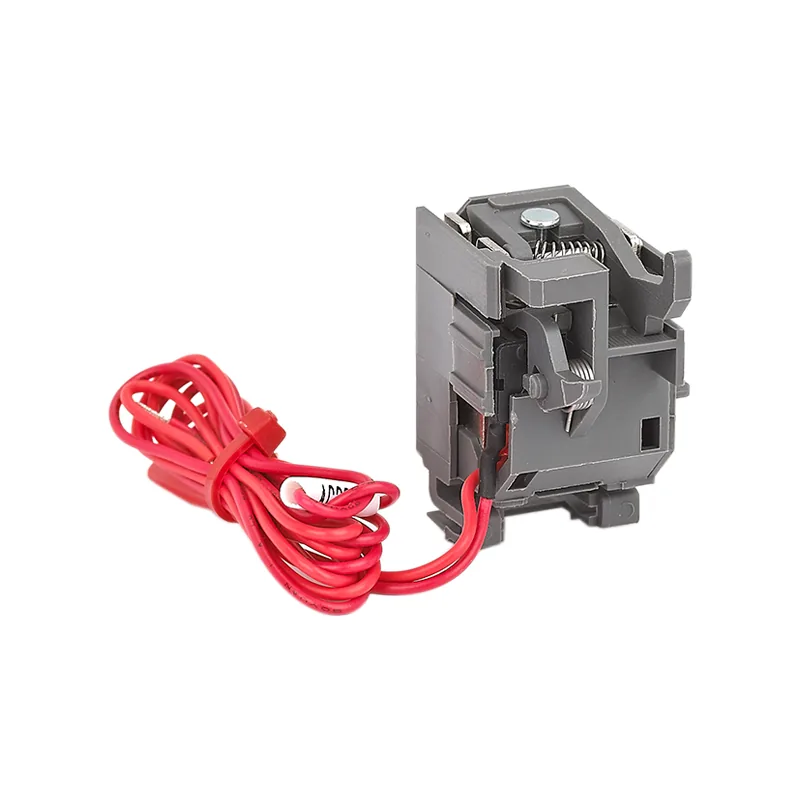
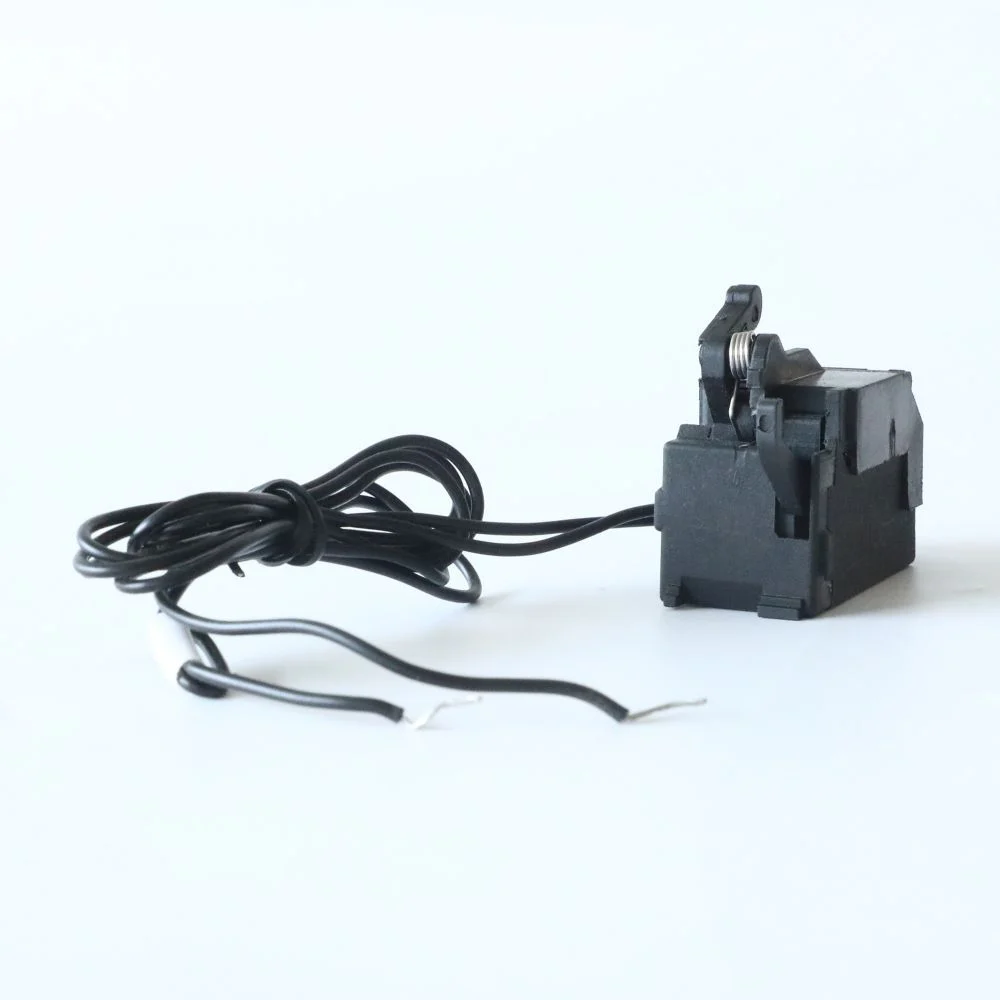





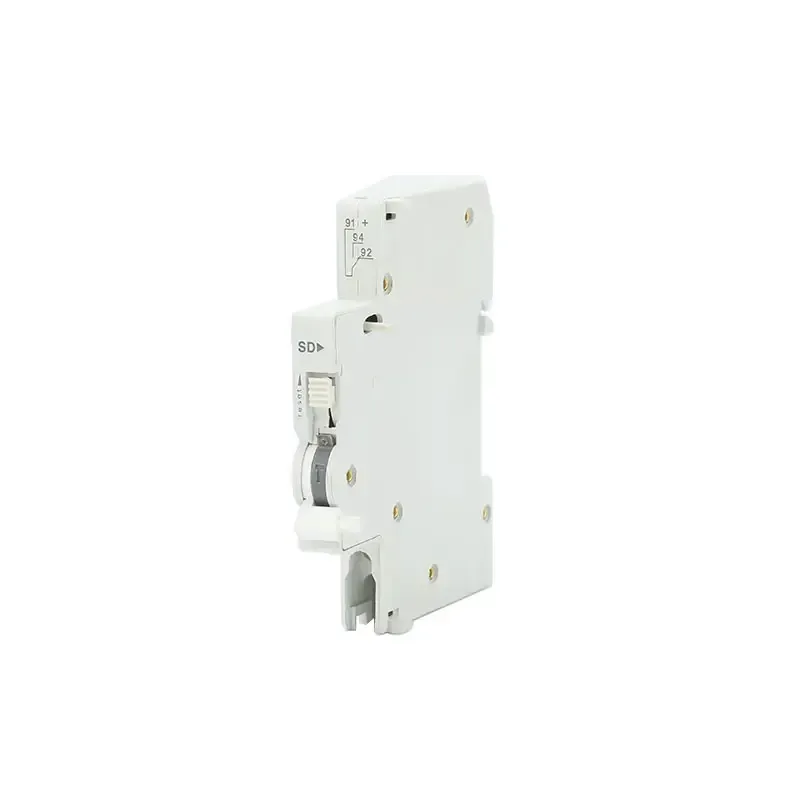
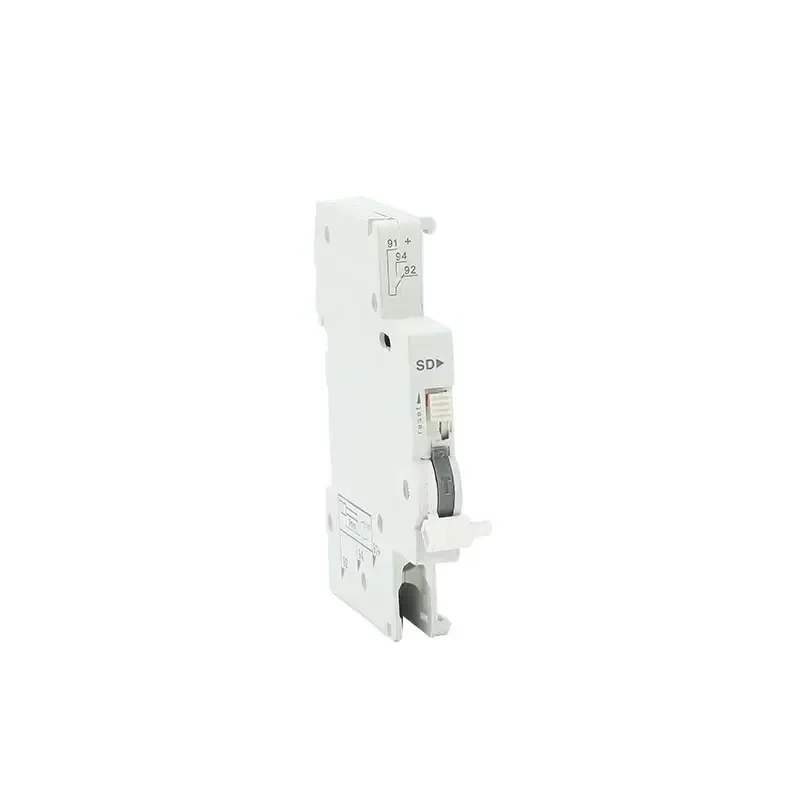
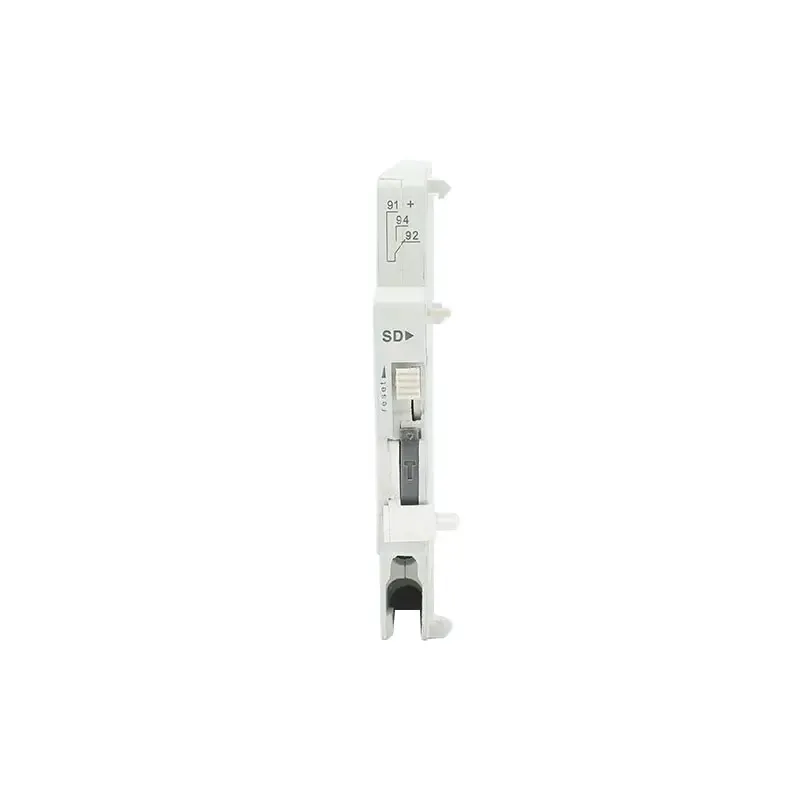
Дополнительный контакт сигнализации JCSD
ТЕХНИЧЕСКИЕ ДАННЫЕ
JCSD 1NO 1NC Alarm Auxiliary Contact Specifications
The JCSD alarm auxiliary contact is listed by W9 Group for indicating automatic fault tripping of a compatible MCB or RCBO. The accessory uses a 1NO + 1NC contact arrangement and a 9 mm body fitted on the breaker’s left side. Confirm the host code and signal-circuit contact rating before ordering.
| Модель | JCSD |
|---|---|
| Category | Breaker alarm auxiliary contact |
| Signal function described | Indication after automatic overload / short-circuit tripping |
| Согласование контактов | 1NO + 1NC |
| Body width | 9 мм |
| Mounting position | Left side of compatible host breaker |
| Host devices described | MCB / RCBO; confirm exact compatible codes |
| Electrical contact rating | Confirm the voltage, current and load category for the offered contact |
ГИД ПО ОТБЕРЕЖЕ
Selecting an MCB or RCBO Fault Trip Alarm Contact
Specify the host breaker, alarm logic, signal voltage/current and accessory arrangement when requesting a JCSD quotation from W9 Group.
Specify the indication function
State whether the circuit needs fault-trip alarm or ordinary breaker-position indication. Confirm the required signal behavior.
Check host compatibility
Provide the exact MCB / RCBO model and any existing side-mounted accessories. Confirm coupling and available space.
Match the signal load
Specify signal voltage, current and AC / DC load type. Request the matching contact rating before connecting the circuit.
Confirm terminal logic
Request the contact-state diagram and terminal numbering for the 1NO + 1NC arrangement.
О W9 GROUP
W9 Group Alarm Contact Supply and Support
Zhejiang W9 Group Technology Co., Ltd. supplies low-voltage electrical products. For a JCSD enquiry, contact W9 Group about configuration and matching product documents.
СВЯЗАННЫЕ РЕСУРСЫ
JCSD Alarm Contact Wiring and Signal Rating Information
Use W9 Group technical support and the product directory to specify JCSD. Request a datasheet and wiring diagram matching the selected JCSD configuration.
ИНФОРМАЦИОННЫЙ БРОШУРАЭксплуатация продуктов W9 GroupBrowse W9 Group models and request the specifications of the selected product
ДОКУМЕНТЫЦентр загрузки программ W9 GroupRequest the current document for your quoted JCSD variant
Часто задаваемые вопросы покупателей
JCSD Alarm Auxiliary Contact FAQs: Trip Indication and Host Fit
Find answers about JCSD selection, configuration and ordering.
What does the JCSD alarm contact indicate?
The source describes indication after automatic overload or short-circuit tripping of a compatible host breaker. Confirm the exact contact-state behavior with its wiring diagram.
Is this JCSD a surge protective device?
No. This product page is for an alarm auxiliary contact. Confirm the product category and order code because similar model labels appear elsewhere in the catalog.
What contact arrangement and width are listed?
The source lists 1NO + 1NC contacts and a 9 mm body. Confirm the terminal numbering and mounting clearance.
Does the alarm contact trip the breaker?
It is an indication accessory, not a shunt trip release. Confirm a separate trip accessory if the control circuit must open the breaker.
What voltage and current can its contacts switch?
The page’s low-current prose and higher-current table conflict. Confirm the rated signal voltage, current and load category for the supplied version.
Does JCSD fit every MCB or RCBO?
Compatibility is not universal. Provide the exact host code and confirm the left-side coupling, accessory stacking and terminal diagram with W9 Group.
What is needed for a JCSD quotation?
Отправьте необходимую конфигурацию, количество, целевой рынок и требования к документации. Попросите компанию W9 Group подтвердить цену, минимальное количество заказа, наличие образцов и срок изготовления выбранной конфигурации.
ЗАЯВКА О ПОКУПКЕ ПРОДУКТА
Request a JCSD Alarm Auxiliary Contact Quotation
Tell W9 Group your host breaker, alarm logic, signal voltage/current and accessory arrangement, quantity and destination market so the selected configuration can be identified.